Accessibility guidance that arrives in the pull request
Designing an AI review experience that turns team guidelines into actionable pull-request feedback.
- Role
- Design + Engineering
- Timeline
- June 2026
- Team
- Solo
Read this case study as
A pattern I couldn't ignore
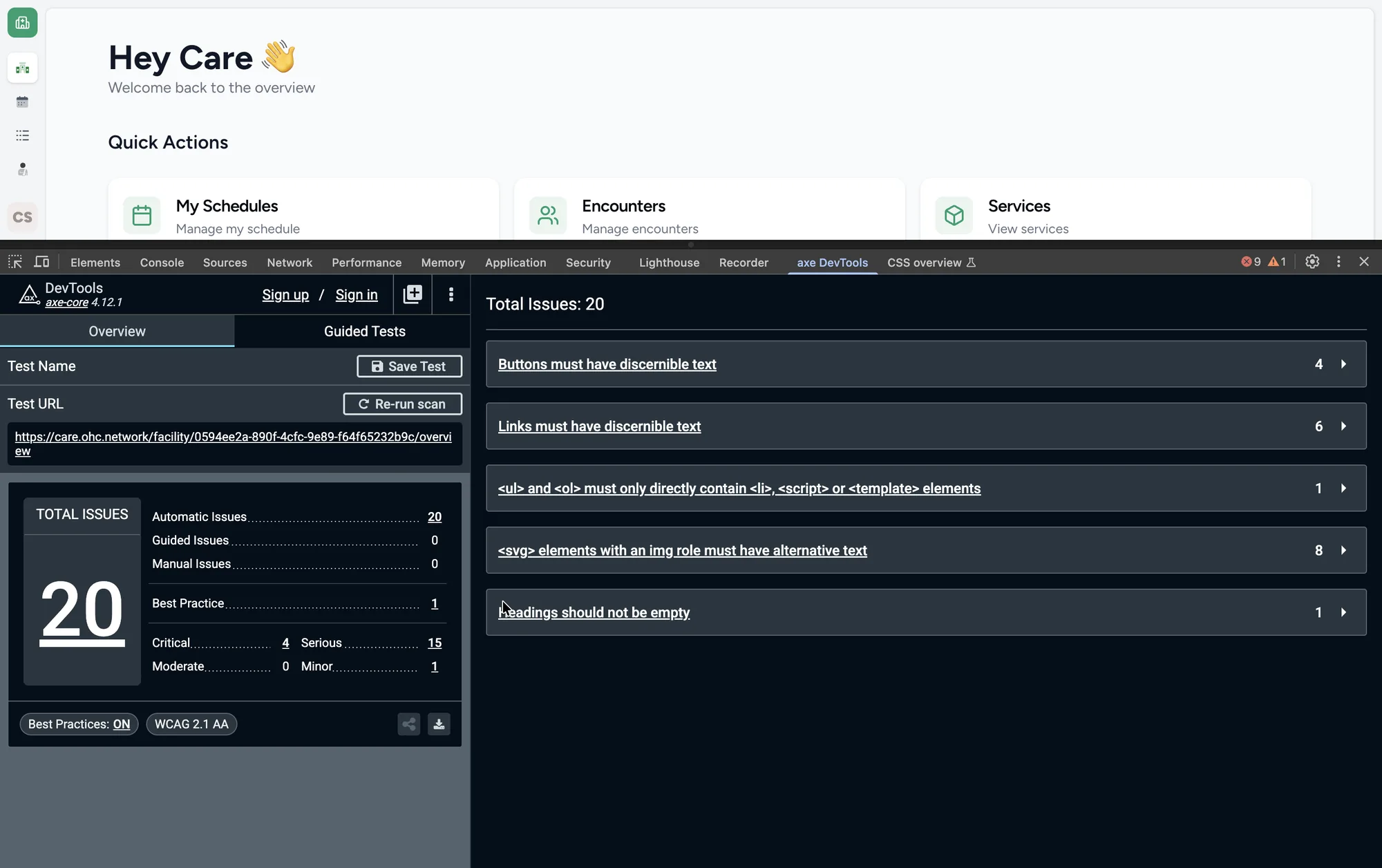
While improving accessibility in CARE, I noticed recurring issues across the product—color contrast, inaccessible custom icons, missing alternative text, and inconsistencies between the design system and implementation.
Individually, they were easy to fix. Together, they revealed a recurring pattern.
As CARE's design system and accessibility guidance continue to evolve, similar issues can easily reappear.
How we solved accessibility issues
Whenever an accessibility issue was identified, we followed a collaborative process to resolve it.
The issue was documented in Jira, where designers and engineers discussed the root cause, proposed a solution, and tracked it through implementation until it was resolved.
01
Color Contrast
Updated design tokens and implementation to meet accessibility contrast requirements.
02
Custom SVG Icons
Added accessible names and improved implementation for custom SVG icons.
03
Images
Added meaningful alternative text for images to improve screen reader support.
04
Design System Consistency
Aligned implementation with the latest design system components and guidelines.
For issues that could be detected automatically, we also explored existing tools such as eslint-plugin-jsx-a11y to catch common accessibility violations during development.
Each issue was eventually resolved through discussion, implementation, and review.
One question stayed with me
By this point, we had a reliable process for resolving accessibility issues.
But after reviewing Jira tickets and engineering discussions, I started asking a different question:
What if the same issue appeared again six months from now?
CARE is an actively evolving open-source project. As new contributors join and the design system and accessibility guidance evolve, it's unrealistic to expect everyone to remember every guideline before implementing a feature.
The challenge was no longer fixing accessibility issues—it was preventing them from happening again.
How can we help contributors avoid introducing them in the first place?
Exploring different directions
Before thinking about an AI reviewer, I explored a few ways the team could reduce recurring accessibility issues.
01
Better documentation
Documentation grows alongside the design system and accessibility guidelines.
Why I didn't stop here
Contributors still need to find, read, and remember it.
02
Catch after release
Accessibility issues can be found through audits and issue tracking.
Why I didn't stop here
It's reactive — the issue has already reached production.
03
Automated checks
Tools like eslint-plugin-jsx-a11y detect common accessibility violations.
Why I didn't stop here
They catch rule violations, not project-specific guidance or context.
Understanding the workflow
As a designer working in an open-source project, I also became familiar with how new changes move from an idea to production.
Every contribution follows a review process before it reaches users.
- Contributor
- Pull Request
- Engineering Review
- Quality Assurance
- Production
Connecting the dots
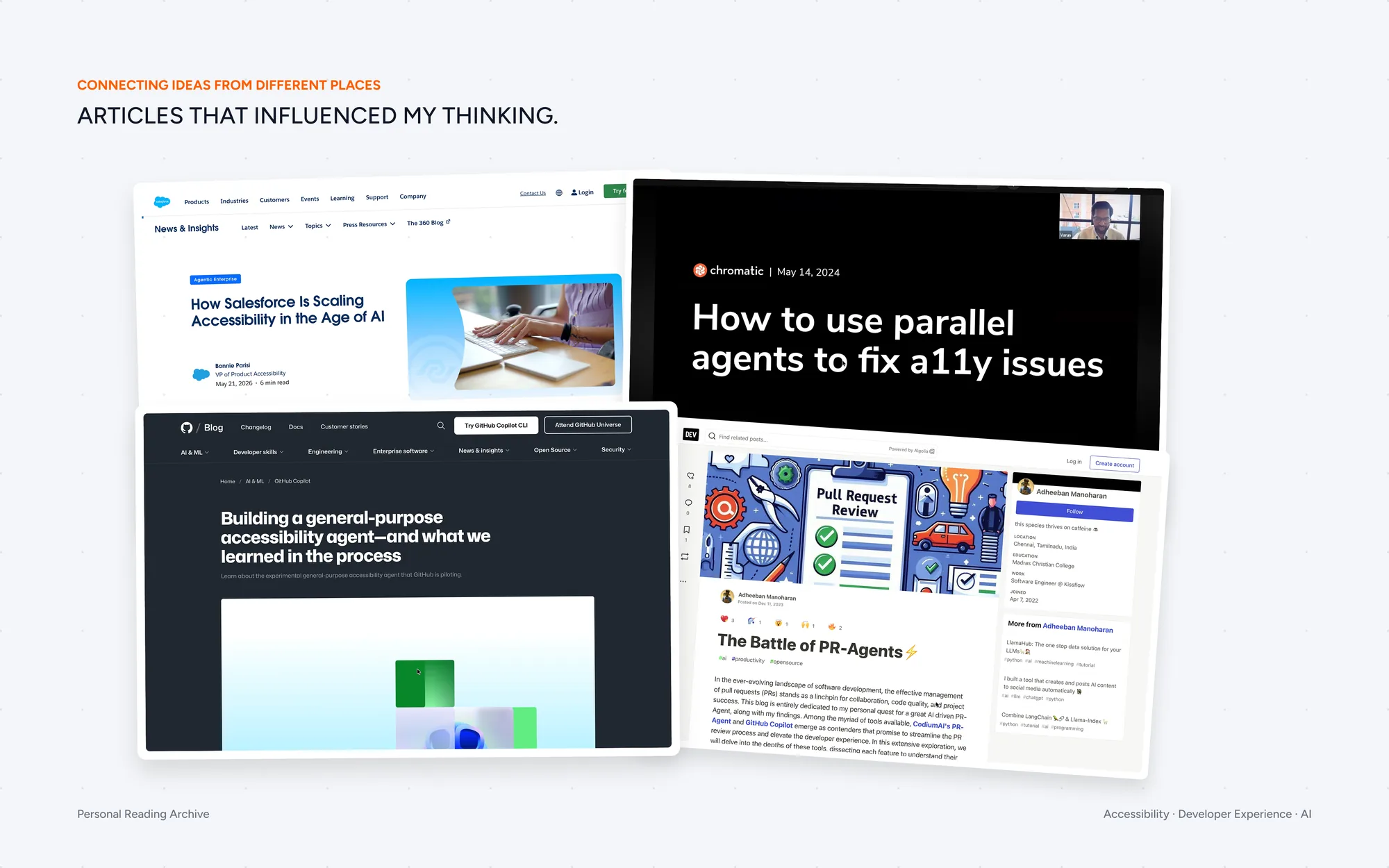
Around the same time, I had been exploring how AI could support developer workflows.
Looking back at CARE, I realized we already had the two key ingredients:
- Accessibility knowledge spread across documentation and engineering discussions.
- A pull request workflow where every change was reviewed before production.
The missing piece was connecting them.
What if project-specific accessibility guidance could appear directly during pull request reviews, instead of contributors having to search for it?
What I Built
I built a prototype AI accessibility reviewer that fits into the existing pull request workflow.
Instead of only reporting accessibility errors, it combines automated checks with project-specific accessibility guidance to provide contextual feedback before code reaches production.
- Contributor
- Pull Request
- AI Accessibility Reviewer
- Engineering Review
- Quality Assurance
- Production
The reviewer becomes part of the existing development workflow, helping contributors catch recurring accessibility issues before they reach production.
Coming soon
Your guidelines. Automatically checked. Add design-system or project-specific guidelines to the agent. It analyzes pull requests against them and surfaces potential violations with inline feedback.
- Add a guideline
- Check the PR
- Find violations
Reflection
Good UX isn't only for end users
Improving the experience of the people building a product ultimately improves the experience of the people using it.
Design is more than interfaces
This project taught me that designers can solve workflow problems, connect ideas across disciplines, and prototype systems—not just screens.